API Keys
API keys authenticate requests to the Desearch API and connect usage to your Console account for logs, billing, and limits.
Create an API key
- Open Desearch Console.
- Sign up or log in.
- Go to API Keys.
- Click Generate API Key.
- Give the key a clear name, such as
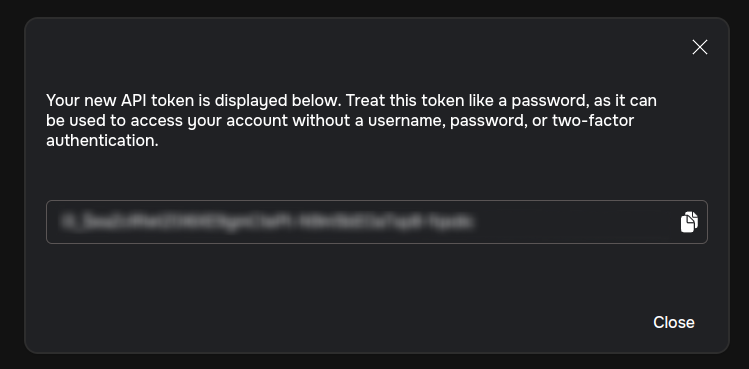
production-backendorlocal-dev. - Copy the key immediately and store it securely. You may not be able to view the full key again.
Use an API key
Send the key in the Authorization header.
bash
For backend applications, read the key from an environment variable instead of hardcoding it.
bash
Manage keys
- Name keys by environment or service so usage is easy to audit.
- Rotate keys when a developer leaves, a key is exposed, or access requirements change.
- Delete unused keys to reduce account risk.
- Use separate keys for production, staging, local development, and CI.
Security practices
❗️ Keep API keys confidential. Do not paste real keys into public docs, GitHub issues, Discord, client-side code, browser bundles, screenshots, or analytics tools.
Recommended handling:
- Store keys in a backend secret manager or environment variables.
- Restrict who can access production keys.
- Monitor request logs and billing for unexpected usage.
- Rotate leaked keys immediately from Console.