


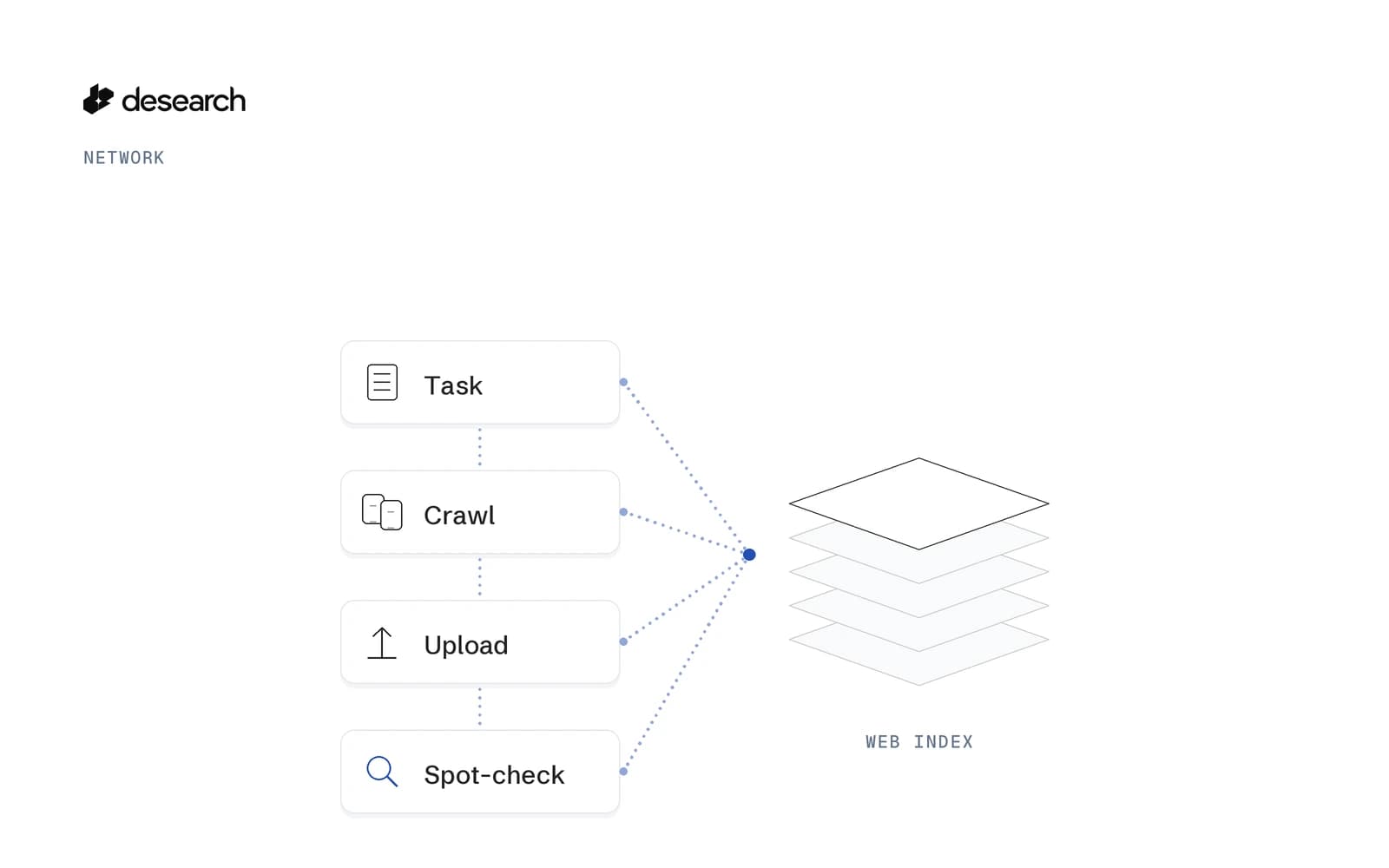
What Is a Decentralized Search Engine? How Desearch Builds a Web Index on Bittensor
A primer on how Subnet 22 builds Desearch's web index with miners and validators.
Read articleOne search API for AI agents: web, social, people and company search, plus page extraction.
In brief
One search API for AI agents: web, social, people and company search, plus page extraction. Extract returns clean content from any URL, and public TikTok, Instagram, and Facebook endpoints sit behind the same key. Bittensor is the decentralized network Desearch runs on. Subnet 22 builds Desearch's web index, and Desearch runs the search API on top of it.
Benchmarks
Four published evaluations, each with its own questions and measure. Results rotate until you choose a dataset.
Explore the evidence
01 / 04
Provider comparison
463 questions
Each bar is a published provider mode. Desearch ran this evaluation.
Snapshot published 19 Sept 2026. The four runs use different questions and measures.
Published dataset ↗Desearch in numbers
Network activity, updated continuously.
Selected excerpts from builders using Desearch for research, trading, and agent workflows. Lightly edited for readability.

ExponentialReed
@ExponentialReed
I just connected mine to Bittensor TAO subnet 22, Desearch, with an API endpoint for X data to help me with subnet analysis.
The results are getting where they should be.

CryptoZPunisher
@CryptoZPunisher
SN22 is becoming an intelligence layer for agents. And behind agents come predictions, then portfolio management.
Revenue and aligned incentives. The market probably hasn't fully priced this yet.

Numinous AI
@numinous_ai
The forecasting environments just got richer.
Starting this Thursday, miners can choose to take on the cost of news retrieval via Desearch.

vaNlabs
@vaNlabs
Desearch integration complete.
crustty now has full social sentiment guidance, and it's integrated (weighted) in his subnet valuations. All thanks to Bittensor SN22, Desearch.

Angry Dave
@AngryDavee
Desearch AI is somewhat like Google but decentralized and smarter.
AI-powered search to deliver smart, summarized results. APIs for developers to integrate decentralized search.

tao_Alph
@tao_Alph
With the Desearch API, Vericore pulls signals from X and Reddit to verify miner outputs, while miners use the same API to add context and deliver better results.
Vericore's predictive evidence gathering with AI scoring becomes more comprehensive.
Selected reading
A primer on how Subnet 22 builds Desearch's web index with miners and validators.
Read article
A step-by-step guide for adding Desearch retrieval to a LangChain tool pipeline.
Read article
A practical walkthrough for giving an agent a search function, response schema, and API authentication.
Read article
A guide to measuring p95 and p99, caching, and other latency tradeoffs in search workloads.
Read articleSecurity & trust
Clear access controls, transparent policies, and a team you can talk to. Get to know the foundations before you build.
Talk to our teamKeep your key on your server. Connect your agents from there.
Connect with your own API key and keep credentials on your server.
Explore authenticationTrack request costs and usage by API key and service in the Console.
Understand usage & billingSee what we collect, how we use it, and how to contact us about your data.
Read the privacy policyDiscuss higher limits, support, and your team's deployment requirements.
Talk through your requirementsEnterprise requirements
Share what your security, privacy, or procurement review requires.
Personal data handled under the GDPR.
DPA, custom terms, service levels, and invoicing.
Independently audited. Report available under NDA.
Controls aligned with the HIPAA Security Rule.
Request the SOC 2 Type II report (under NDA) or the DPA at support@desearch.ai. Zero data retention is available. Security and compliance details
FAQ
Get to know the APIs, find your integration, and make your first request.
Read the docsDesearch is a search API for AI agents on Bittensor. Subnet 22 builds Desearch's web index, and Desearch runs the search API on top of it. It returns current, source-linked context from the web and X (Twitter). One API key covers AI Search, Web Search, Extract, and X Search, so an agent can search, read pages, pull X data, or get an answer grounded in the returned sources.
Use Search to find links, snippets, highlights, and an optional summary across selected sources. Use Extract when you already have a URL and need clean page content. Use the X API for posts, profiles, replies, retweeters, and trends, or Web Search for SERP-style results without an AI summary.
Traditional search APIs usually return a ranked list of links. Desearch packages structured results for agents, including source URLs, relevant passages, dates when available, and an optional summary alongside the sources. Web search, page extraction, and social retrieval share one API key and developer workflow.
Yes. Supported tools: web, twitter. Other values are unsupported and may be rejected (for example, youtube returns 422). To focus web results on specific sites, keep web and add include_domains, for example example.com. To search Reddit, use the Web Search API with site:reddit.com. You can also request links only or links with a final summary.
date_filter is optional. When you leave it out, no time window is applied. Search includes publication dates when a source provides them. Extract fetches the current version of a URL instead of returning a cached page snapshot. Exact freshness still depends on the source and endpoint you use.
Search returns structured results with a title, source link, snippet, relevant highlights, and publication date when available. Ask for links only when your agent will do the reasoning, or include a final summary when you want an answer alongside the supporting sources.
Call the REST API directly, use the Python or JavaScript SDK, or connect through MCP. Desearch also provides guides for LangChain, LlamaIndex, CrewAI, ElizaOS, OpenClaw, and function-calling workflows.
Pricing is usage-based. Reference rates as of 7 May 2026: AI Search $0.40 per 1,000 items, Web Search $1.00 per 1,000 searches, Extract $0.50 per 1,000 pages, and X Search $0.15 per 1,000 posts (X profile lookups $0.15 per 1,000 users). Each successful billable response reports its cost in USD, and Desearch Console shows your balance, request history, and current rates.
Desearch covers public data on X, TikTok, Instagram and Facebook. X: posts, profiles, replies, retweeters and trends. TikTok: public post search, profiles, comments, hashtags and trending posts. Instagram: public profile search, media, comments and hashtag media. Facebook: public Meta Ad Library search, plus public profile and page posts, post lookup and comments. Private, login, posting and messaging surfaces are not exposed.
People Search finds X profiles, YouTube creators, LinkedIn members and TikTok creators that match a plain-language description, and shows why each one matched. Company Search finds companies from a description, and Company Enrich starts from domains you already have. Both return public contact info and leaders, run as background tasks, and can be exported.
New accounts get $5 in API credits after attaching a card in Console, then pay as they go.
Your agent can set Desearch up itself. Copy one line, paste it into Claude Code, Codex, Cursor or VS Code, and it installs the MCP server and verifies the key.
Earn up to $165 in API creditsWant to see it first? Try the live demos.
Create a key
Sign in to the console and attach a card to get $5 in credits. Docs and playground need no card.
Hand it to your agent
Paste the onboarding prompt. Your agent reads agents.md and wires itself up.
Ship
Search, Extract and X data behind one key, one bill, one account.
Agent onboarding prompt
Use curl to read www.desearch.ai/agents.md and follow it to set up Desearch
Paste it into Claude Code, Codex, Cursor or VS Code. Your agent reads agents.md, installs the MCP server and verifies the key.