How to Build AI Agents with Search APIs

How to Build AI Agents with Search APIs
AI agents need real-time data to function effectively, and search APIs are the key to providing this. These APIs fetch structured, up-to-date information from the web, unlike traditional web scraping, which is often messy. By integrating search APIs, AI agents can:
- Access live data for tasks like news updates, stock trends, and social media analysis.
- Move beyond static datasets to deliver dynamic, real-time insights.
- Perform specific searches tailored to user needs, thanks to structured outputs.
Desearch offers three APIs tailored for AI developers:
- AI Search API: Multi-source research, $0.80 per 100 searches.
- Web Search API: General searches, $0.25 per 100 searches.
- X (Twitter) Search API: Social media trends, $0.30 per 100 searches.
These APIs support popular tools like LangChain and CrewAI, provide JSON outputs, and include developer dashboards for monitoring and testing.
To integrate these APIs:
- Set up your development environment with tools like Python or JavaScript.
- Securely store API keys and configure for U.S.-specific formats (e.g., MM/DD/YYYY dates, $ currency).
- Optimize queries, use caching, and handle rate limits effectively.
- Test and monitor performance using the Desearch dashboard.
Setup Requirements and Initial Configuration
When building AI agents with search APIs, having a strong technical foundation is essential. A proper setup not only minimizes troubleshooting but also ensures smooth integration with Desearch APIs. Here's a guide to laying the groundwork for successful API integration.
Required Skills and Tools
To build AI agents, you'll need solid knowledge of Python, JavaScript, or TypeScript. Python is great for AI workflows, while JS and TS work well for web-based and real-time apps. You should also understand how to work with HTTP APIs. This includes making requests, parsing JSON, handling API keys, and managing errors. Knowing headers, status codes, and common request methods like GET and POST is essential. Using AI agent frameworks can speed things up. Popular options include OpenAI's Agents SDK, LangChain, LangGraph, AG2, CrewAI, and Google's Vertex AI Agent Builder. Function calling is another key skill. Your agent should know when to call an external API, what parameters to send, and how to use the returned data.
Development Environment Setup
Install the libraries you need. Use npm for JavaScript or TypeScript projects, and use virtual environments for Python to keep dependencies organized. Store API keys securely using environment variables or a secrets manager. Never hardcode them in your code or push them to GitHub. Set your environment to handle U.S. formats if needed, including dates (MM/DD/YYYY), currency ($), measurements, and number formatting. Be ready for rate limits by adding retry logic to avoid failed requests. Finally, test your setup by making a simple API call to confirm everything is working correctly before building out your agent.
Getting Desearch API Credentials
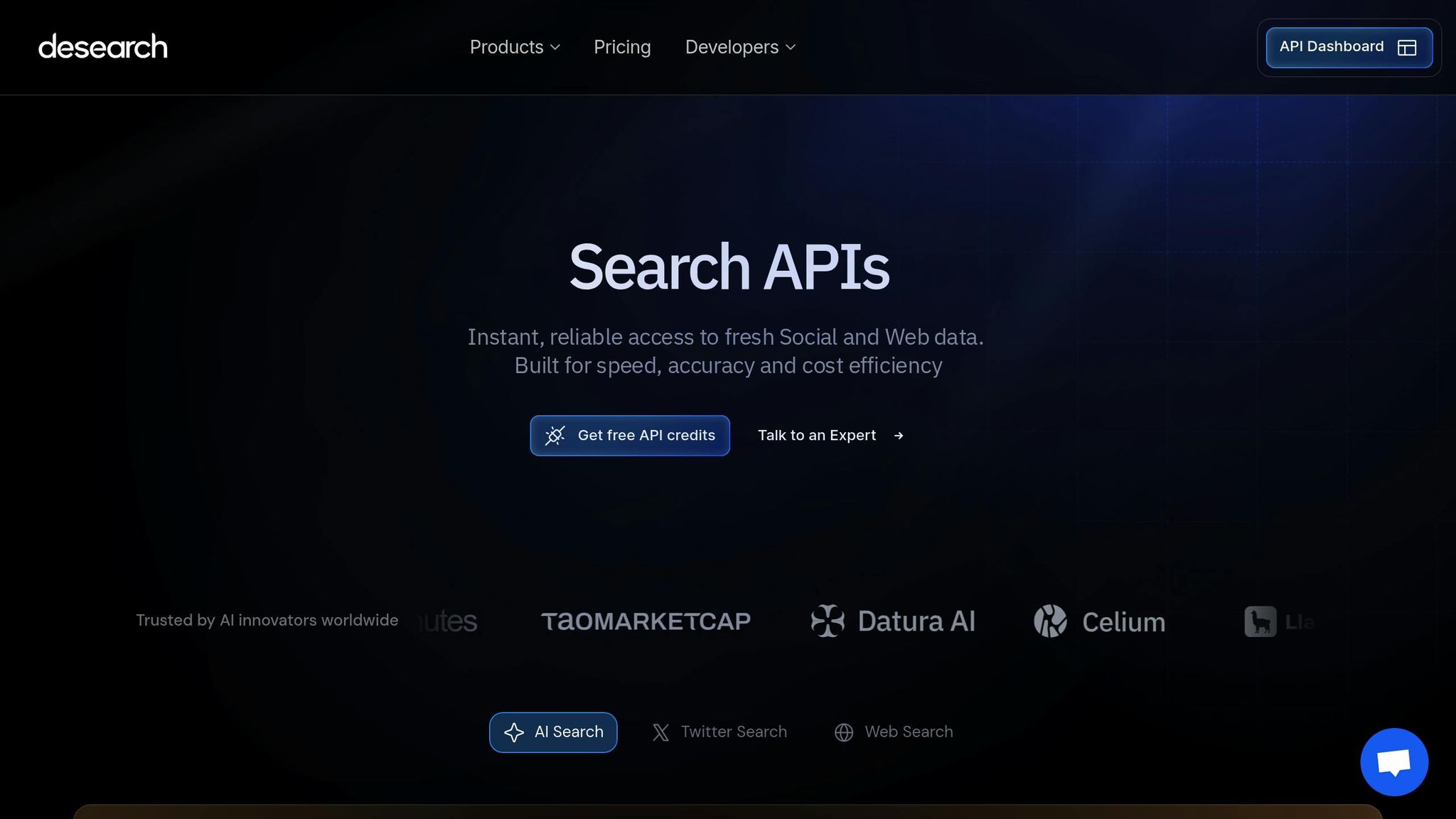
To access Desearch APIs, you'll need to follow these steps:
- Register an account: Head to the Desearch website, sign up with your email, create a password, and verify your account via email confirmation.
- Generate API keys: Once your account is active, go to the API credentials section in your dashboard. Here, you can generate unique API keys for different services, tied to your account and usage limits.
- Set up authentication: Include your API key in the HTTP headers for each request using the format
Authorization: Bearer YOUR_API_KEY. This authenticates your requests and tracks usage against your account.
Understanding rate limits is vital for planning your API usage. Desearch sets specific limits for each API type:
- Web Search API: $0.25 per 100 searches
- X (Twitter) Search API: $0.30 per 100 searches
- AI Search API: $0.80 per 100 searches
Monitor your usage through the dashboard to avoid unexpected charges.
Security best practices include regularly rotating your API keys and invalidating old ones to reduce risks. If you're using OAuth credentials, securely store parameters like the Client ID, Client Secret, and Discovery URL together - ideally as a JSON string in a secure management system. The Desearch dashboard provides real-time monitoring of API usage, error tracking, and a playground for testing queries. These tools are invaluable for optimizing your setup and troubleshooting issues quickly. Once your credentials are ready, you can start connecting Desearch APIs to your AI agents.
Connecting Desearch APIs to AI Agents
Once your environment is ready and your API keys are set, you can start connecting Desearch APIs to your AI agents. This turns your agent from a static system into a real-time tool that can pull fresh data from the web and social platforms.
Step-by-Step Integration
1. Pick the right Desearch API • Web Search API for general web info • X Search API for real-time social trends • AI Search API for deeper research across sources like Reddit, Arxiv, and the web
2. Set up function calling Use frameworks like LangChain, CrewAI, or OpenAI's Agents SDK. Define your search function with parameters such as query, result count, and filters so the agent knows when and how to trigger a search.
3. Integrate the API request Include your API key and headers, then send REST-based GET/POST requests. Desearch follows standard API patterns, so it works with most programming languages.
4. Secure keys and handle rate limits Store keys in environment variables and use retry logic to avoid throttling.
5. Test everything Use the Desearch playground to validate queries and inspect response formats before deploying.
Making API Calls and Processing Responses
Structure your requests Include search terms, result limits (10–50 works best), and optional filters like time or location.
Work with JSON responses Desearch returns a consistent schema with titles, URLs, snippets, timestamps, and relevance scores. This makes extracting data simple.
Handle errors and improve speed Use error messages to guide fixes and cache useful results for 15–60 minutes to avoid extra API calls.
Turn data into insights Extract snippets for context, URLs for verification, and timestamps to confirm freshness.
US Format Handling
If your users are in the US, make sure your agent outputs the right formats:
• Currency with dollar symbols and commas (e.g., $1,234.56) • Dates as MM/DD/YYYY • Times in 12-hour format with AM/PM • Imperial units (miles, feet, Fahrenheit) when converting metric values • Comma separators for large numbers
Use locale=en-US when available to get US-relevant data automatically.
Improving API Performance and Efficiency
High-performing agents rely on smart query usage. Optimizing your API calls can reduce costs and boost speed.
Query Optimization Tips
• Write specific queries and combine related terms to avoid multiple API calls • Use 10–20 as your max_results for efficient, meaningful output • Preprocess user intent to turn multiple small queries into one strong request • Choose the right Desearch API for the task (Web, X, or AI Search) • Use quotes and boolean operators for more accurate searches
Caching and Speed Improvements
Use semantic caching Store responses using embeddings so similar questions ("I forgot my password" vs. "How do I reset my login?") can return the same cached answer. This cuts latency and reduces API costs dramatically.
"Traditional caching stores exact key-value pairs. Semantic caching is smarter. It converts prompts into vector embeddings and looks for semantically similar queries, returning cached responses for questions that mean the same thing even when worded differently." - Augment Code
Cache frequently accessed information. Store search results in memory for a time frame that matches the data's freshness. For example, news-related queries might have a 15-minute cache window, while static, evergreen content can remain cached for much longer.
Use external caching tools like Redis Cache or Azure APIM. These solutions provide more granular control, especially useful for high-traffic applications where multiple AI agents share cached data.
Monitor and refine your caching strategy. Teams using semantic caching have reported 30–50% cost savings and up to 100× faster response times for cached queries. Regularly track cache hit rates to tweak your strategy based on real-world usage patterns.
Check the cache before making API calls. Design your application to look for answers in the cache first. If a match is found, return the cached response instantly; otherwise, proceed with a new API request.
Plan for cache invalidation. Make sure your system updates or removes outdated cached data when new information becomes available. This ensures your AI agent always delivers accurate and up-to-date responses.
Error Handling and Debugging
Use the Desearch developer dashboard to track logs, errors, and performance in real time. Build structured error-handling into your agent so it can fix common issues automatically, like reformatting dates or retrying failed requests. Apply exponential backoff when rate limits occur to avoid flooding the API. Monitor response times, success rates, and error frequencies to spot bottlenecks and improve performance. Add fallback logic. If the API is temporarily unavailable, your agent should use cached data or provide a general response instead of failing. Manage token usage carefully by chunking large documents and removing irrelevant text to avoid context overflow.
Scaling and Maintaining AI Agents
As your application grows, consistent monitoring is key. Use the Desearch dashboard to track response times, error rates, call volumes, and endpoint costs. Set alerts when usage or spending exceeds your targets, and create separate dashboards for technical and business teams. Run automated health checks every few minutes to ensure your agent can still query Desearch successfully. Monitor token usage to avoid oversized responses that your model cannot process.
Managing High-Volume API Requests
Use request queues during traffic spikes so important tasks get handled first. Scale horizontally by running multiple agent instances and routing requests through a load balancer. Improve speed by using connection pooling and smart rate limiting. Combine related queries into a single search to reduce costs. Deploy agents in multiple regions if you serve global users to minimize latency.
Common Integration Problems and Quick Fixes
• Handle rate limits with exponential backoff
• Use locale=en-US for US formatting
• Adjust timeouts based on API type
• Fix authentication issues by securing and testing API keys
• Validate inputs to avoid malformed queries
• Control memory usage by streaming or limiting large responses
• Add fallback behavior for temporary outages
Conclusion: Building Better Agents with Desearch
Real-time data makes AI agents far more useful and reliable. Desearch APIs give you fast, structured, and affordable access to web, social, and multi-source research data. With good error handling, smart caching, and strong monitoring, your agents can stay accurate, responsive, and scalable. Use the Desearch playground to test queries, explore responses, and fine-tune your integration as you move from prototype to production.
FAQs
What makes search APIs a better choice than web scraping for AI agents?
Search APIs give you fast, clean, structured data, which means less time spent fixing messy outputs. They're more stable, handle large request volumes, and aren't affected by website layout changes that often break scrapers. APIs also avoid most anti-bot issues, so your AI agent gets consistent, reliable access to the data it needs.
How can I make sure my AI agent correctly handles U.S.-specific data formats when using Desearch APIs?
Configure your agent to follow U.S. standards: • Dates as MM/DD/YYYY • Currency with dollar signs and comma separators • Imperial units for measurements • Fahrenheit for temperature Use localization logic or formatting libraries to automatically convert data into U.S. formats. Test your agent with U.S.-specific examples to make sure it reads and outputs everything correctly.
How can I optimize the performance and cost-efficiency of my AI agents using Desearch APIs?
Make your queries specific so you only pull the data you actually need. Filter results, set tight parameters, and avoid unnecessary calls. Cache frequent responses to reduce duplicate requests. Monitor your API usage to spot inefficiencies, and set priorities or rate limits to prevent overspending while keeping your agent fast and responsive.
